What do you need Khao to do?
Digital QR Menufor small food businesses.
Khao gives your stall, cafe, or food truck a clean digital menu customers can scan from any phone. Update prices, mark items unavailable, and print your QR — no ordering system needed.
Get it on
Google Play
Download on the
App Store
Coming soon on iOS
Menu
Masala Dosa
₹35
Samosa Chat
₹50
Masala Chaas
₹30
Vada (2 Pieces)
₹25
Idli (3 Pieces)
₹25
Toggle Item
Availability
Add Items to Categories
Change price Anytime
Digital Menu in 5 Minutes
QR menu flow
Publish your menu without changing service.
For stalls, food trucks, and small cafes that only need a clean digital menu customers can scan.
Create your shop
Add your shop name, description, and basic timings from the Android app.
Add your menu
Create items, categories, prices, descriptions, and availability without touching a laptop.
Print or share your QR
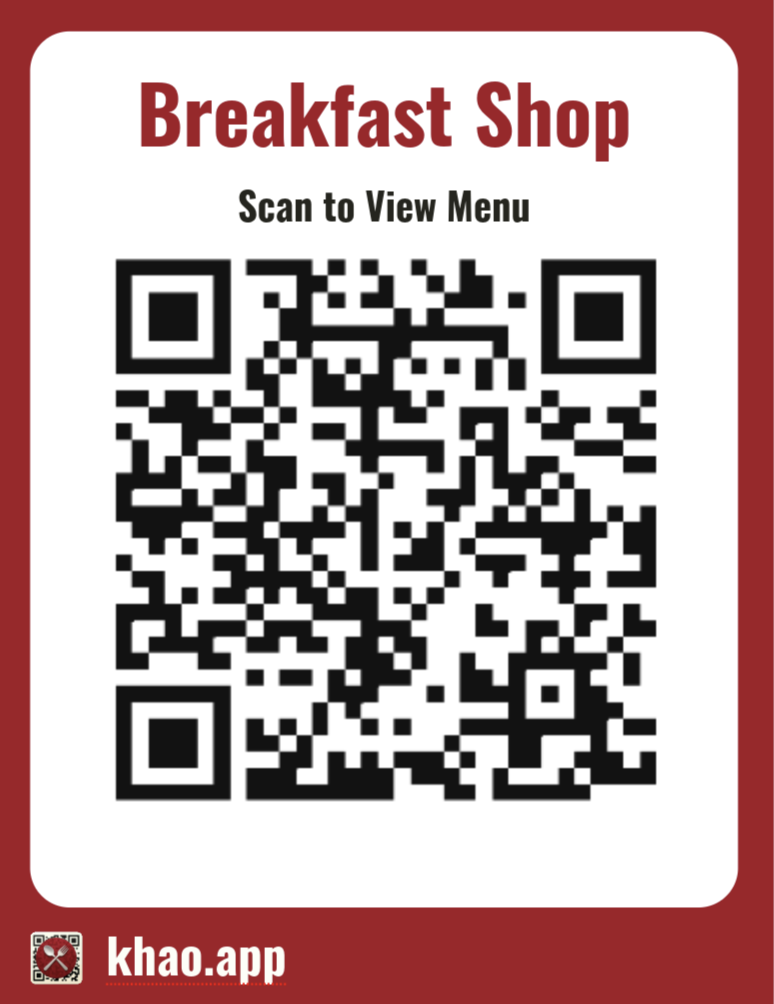
Save a printable QR, place it on your counter or truck, and update the menu anytime.
QR Menu Features
Everything a QR menu needs. Nothing extra.
A lightweight menu mode for shops that want customers to scan, browse, and order the usual way at the counter.
Printable Menu QR
Generate a shop QR, print it for your counter, or share it on WhatsApp and Instagram.
Simple Menu Builder
Add items, prices, descriptions, images, and categories from the Android app.
Live Availability
Mark items available or out of stock instantly, without reprinting your menu.
Pricing
Pricing for QR menus.
Use Khao as a lightweight digital menu without paying for ordering features you do not need.
Menu Only
Best fitPerfect for fast-moving stalls and takeaways that want a clean digital menu.
- Unlimited menu items & categories
- QR code generation
- Open / Closed toggle
- Admin & Diner views
- Email support
Need ordering later?
Start with QR Menu and move to QR Ordering when you add tables, staff views, or kitchen flow.
Want help during launch or have multiple outlets? Contact us for setup guidance and group pricing.
No. Customers scan your QR with their phone camera and open the menu in the browser.
Yes. QR Menu mode is only for publishing your menu. Customers browse and still order at the counter or with your staff.
Mark it unavailable in the app and customers will see the updated menu without you printing a new card.
You can create a shop in minutes, add your first menu, and generate QR codes from the app. Larger menus take longer to enter, but you do not need to book a call to get started.
You can add items yourself from the app. If you are launching with a large menu or multiple outlets, contact us and we can guide the setup.
Monthly subscription, cancel anytime. No long-term lock-in, no cancellation fees. Your subscription stays active until the end of the paid period.
Email us at support@khao.app. Khao is built to be self-serve, but our team can still help with launch questions, setup guidance, and product issues.